
- 1
How it works
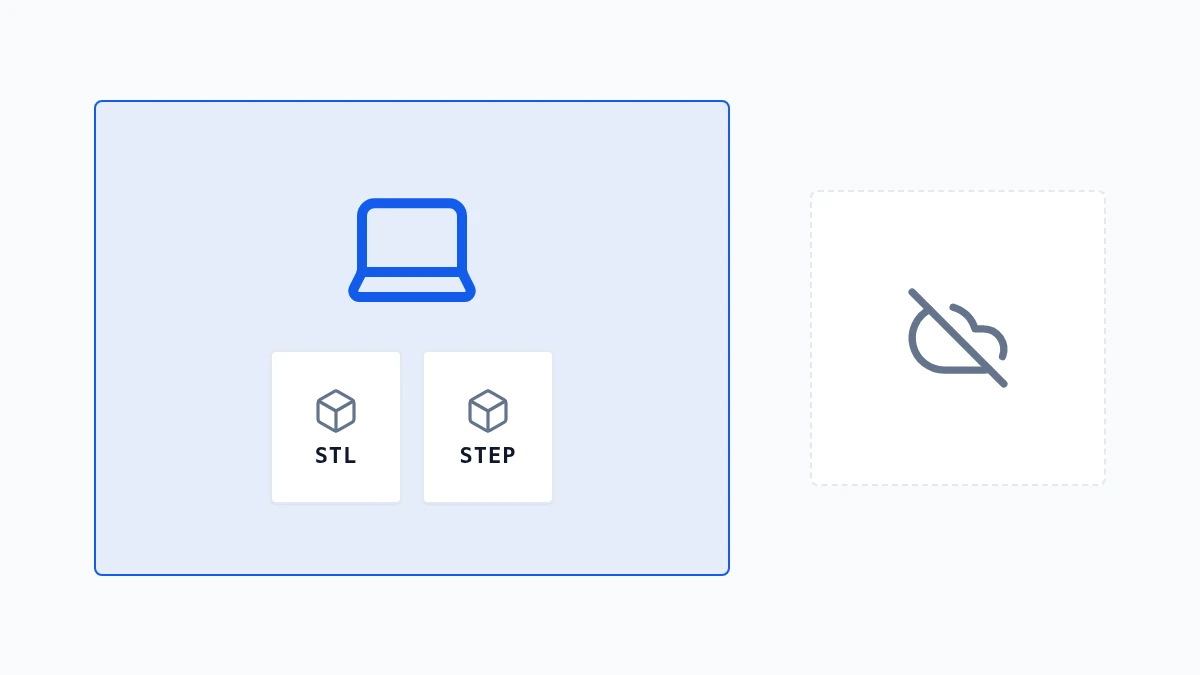
The tools run on Any3dKit, an engine we build ourselves. It reads and writes 3D files right in the page, so the work happens on your computer or phone.
- 2
What leaves your device
Your models stay on your device. Signing in saves only your settings and favorites. For a few formats the page asks our server for a short permission code before it starts; the file itself is not sent. A file is only sent if you choose to attach it to a feedback report.
- 3
Speed and memory
Because the work is local, speed depends on your device. Very large models need more memory; if a page slows down, close other tabs or try a desktop browser.