
File format
Extension of the uploaded file (e.g. GLB, STL, OBJ).
STL 파일을 브라우저에 불러와 정점 수, 물리적 크기, 부피, 수밀성을 인쇄 전에 바로 확인하세요.
잠시만 기다려 주세요
STL은 가장 널리 쓰이는 3D 프린팅 파일 형식입니다. 이 도구는 STL 파일의 정점/면 수, 물리적 크기(밀리미터), 실제 부피, 표면적, 수밀 여부를 분석합니다. 슬라이싱과 출력 전에 STL 품질을 점검하는 것은 필수입니다.
Extension of the uploaded file (e.g. GLB, STL, OBJ).
Total size of the uploaded model file on disk.
Estimated GPU usage for geometry buffers plus textures (including mipmaps).
Number of vertices in the mesh geometry.
Number of triangular faces in the mesh.
Bounding box dimensions in millimeters along X, Y and Z.
Solid volume of the closed mesh, from tetrahedral decomposition.
Sum of all triangle areas (square centimeters).
Whether every edge is shared by exactly two triangles. Open meshes may have holes or non-manifold edges.
Edges that belong to only one triangle, indicating holes.
Edges shared by more than two triangles, indicating non-manifold topology.
Number of independently connected mesh parts.
Vertices not referenced by any face.
Whether vertex normals are fully present (affects lighting).
Mean length of all triangle edges in millimeters.
Mean triangle shape quality; equilateral = 100%, skinny triangles score lower.
Number of materials assigned to the model.
Number of texture images embedded or referenced.
Pixel size and format of each texture slot.
Estimated VRAM used by textures including mipmaps.
Number of animation clips stored in the file.
Number of skeleton bones used for rigging and skinning.
STL, GLB, OBJ, FBX 등 형식을 드래그 앤 드롭하세요
각 섹션을 펼쳐 지표를 확인하세요
리포트를 복사하거나 애니메이션 클립을 클릭하여 미리보기를 재생하세요
파일 크기, 정점/면 수, 경계 상자 치수, 부피, 표면적, 수밀 상태를 확인할 수 있습니다. 모든 계산은 브라우저 안에서 로컬로 처리됩니다.
STL은 3D 프린팅의 표준 형식입니다. 슬라이싱 전에 크기, 부피, 수밀 상태를 확인하면 모델이 정상적으로 출력되고 원하는 치수대로 나오는지 미리 검증할 수 있습니다.
네, 가능합니다. 분석은 브라우저 안에서 로컬로 처리되므로 별도의 업로드가 없고, 메시가 클수록 처리 시간이 길어지며 속도는 사용자 기기의 성능에 따라 달라집니다. 초대형 메시는 모델 압축 도구로 폴리곤 수를 줄인 뒤 분석하면 더 부드럽게 처리할 수 있습니다.
네, 지원합니다. 바이너리 STL과 ASCII STL 형식을 모두 처리할 수 있습니다. ASCII STL은 파일 크기가 더 크지만 사람이 직접 읽고 수정하기 쉽다는 장점이 있습니다.
수밀 검사는 구멍(경계 모서리)과 비매니폴드 모서리(두 개 이상의 삼각형이 공유하는 모서리)를 찾아냅니다. 품질 보고서에는 법선이 정상인지, 누락됐는지, 일부만 있는지도 표시됩니다. 서로 교차하는 삼각형은 이 도구의 감지 범위에 포함되지 않습니다.
Blender, Meshmixer, Netfabb 같은 도구로 메시를 수리하면 됩니다. 구멍을 닫고, 중복된 정점을 병합하고, 비매니폴드 또는 교차하는 삼각형을 제거한 뒤 STL로 다시 내보내세요. 분석기는 문제를 알려줄 뿐 파일을 직접 고치지는 않습니다.

GLB 파일이 10MB에 불과한데, 휴대폰에서 200MB의 VRAM을 잡아먹고 충돌했다면? 문제의 원인을 하나씩 뜯어봅시다.
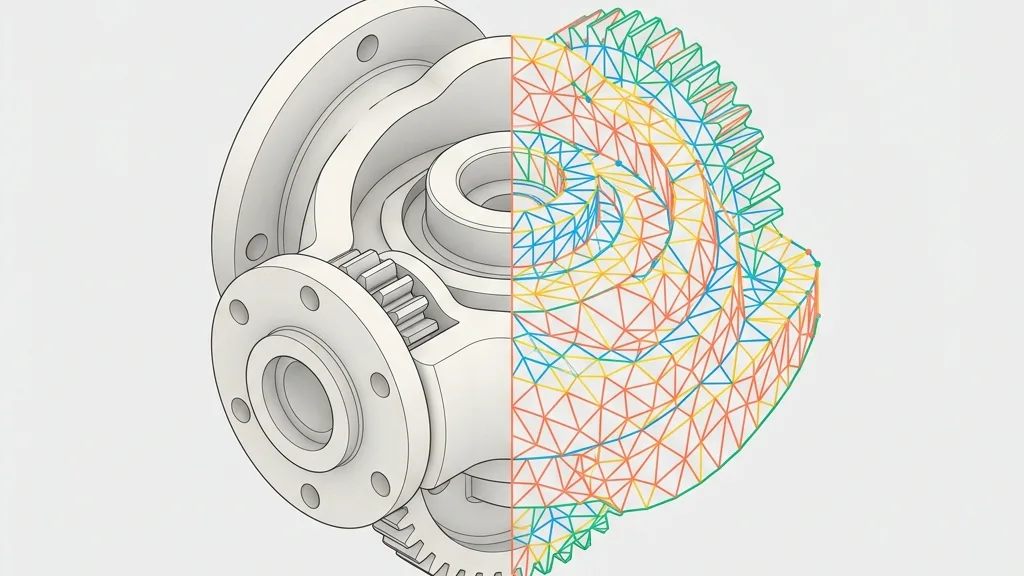
CAD 솔리드(B-Rep)와 STL 폴리곤 메시 간 변환의 기술적 블랙박스를 파헤칩니다. SolidWorks 등에서 STL로 내보낼 때 공차 슬라이더 설정에 대한 구체적인 권장값을 제시하고, STL을 역변환할 수 없을 때의 차선책을 소개합니다.
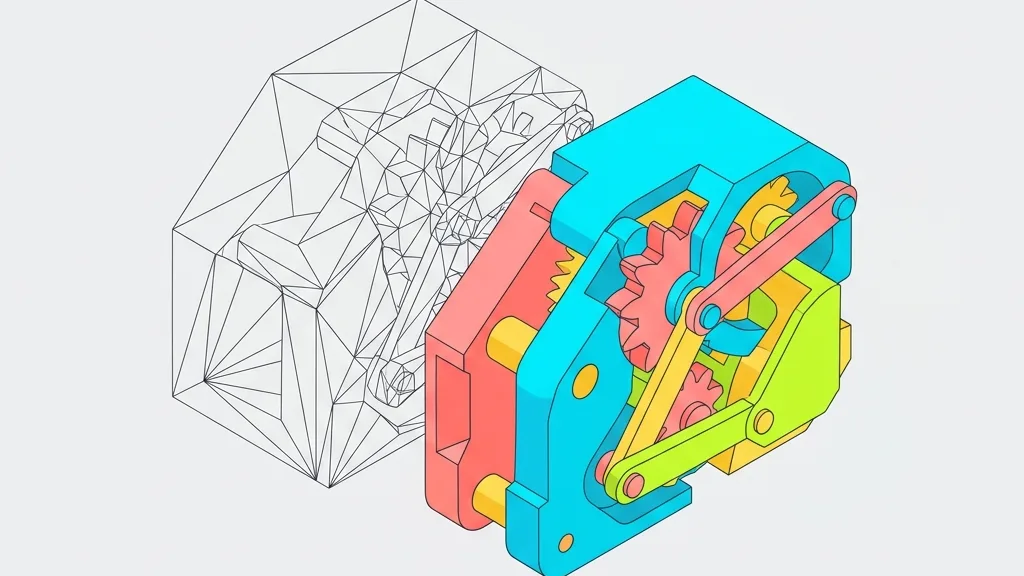
3MF와 STL의 실전 차이를 심층 비교합니다. Bambu Studio 모델이 Cura에서 오류를 일으키는 진짜 이유를 파헤치고, 단위 스케일 오류와 멀티컬러 프린팅 변환 팁을 알려드립니다.

데스크톱, 모바일, VR, 미니 프로그램... 도대체 어떤 압축 조합을 써야 할까? 지난 4편의 내용을 하나의 의사결정 매트릭스와 자동화 스크립트로 정리했다. 이거 보고 고르면 된다.