WebP 轉 3MF

WebP → 彩色 3MF:把網頁圖片變成彩印徽章或彩色浮雕,免費線上處理。

工作區

加載中...

請稍候

關於此工具

將 WebP(含透明、有損、無損)轉成帶顏色的 3MF,適合直接以網頁素材製作彩印徽章或彩色浮雕。透明區域方便做出鏤空輪廓,讓圖案或文字更立體;最終色彩表現仍會受到印表機與材料影響。

使用技巧

  • 1含透明的 WebP 適合做彩色徽章輪廓
  • 23MF 能攜帶顏色,比 STL 更適合彩印
  • 3強有損的來源圖建議先提高匯出品質

範例效果

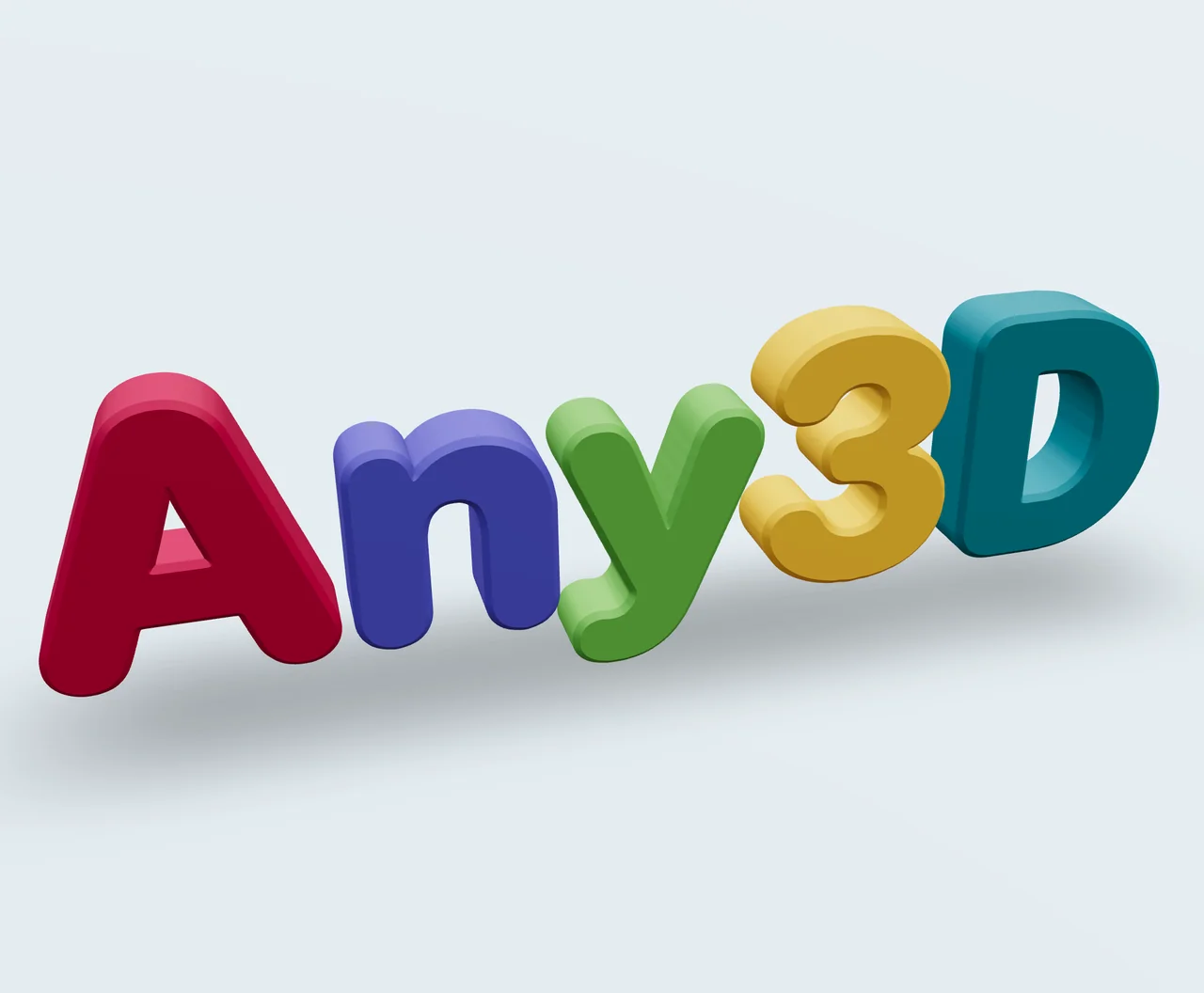
原始圖片

原始圖片

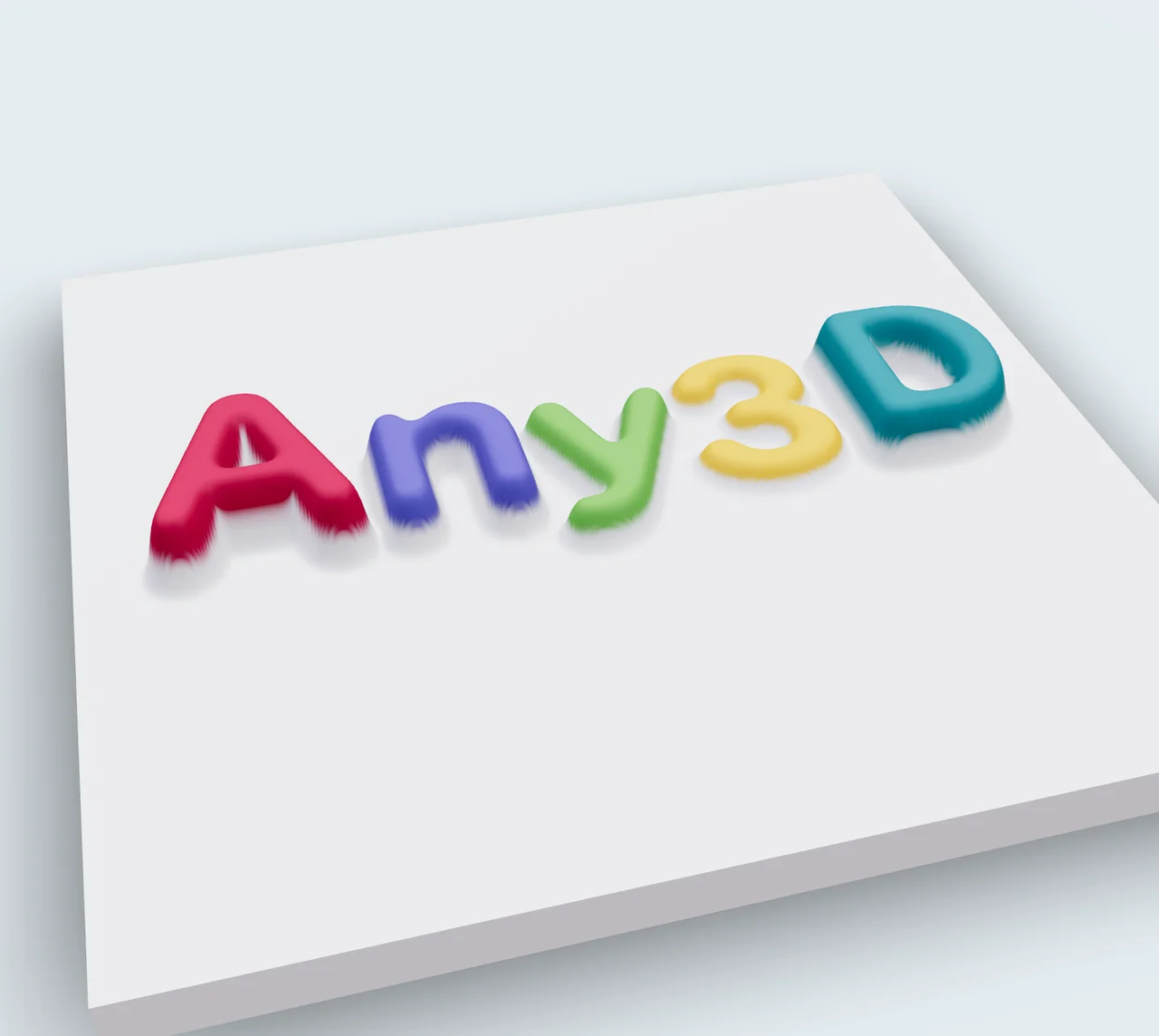
等高線

等高線

高度圖

高度圖

配置選項說明

Conversion Mode

Conversion Mode

預設值Contour

Select how the image should be converted into 3D geometry.

Contour推薦

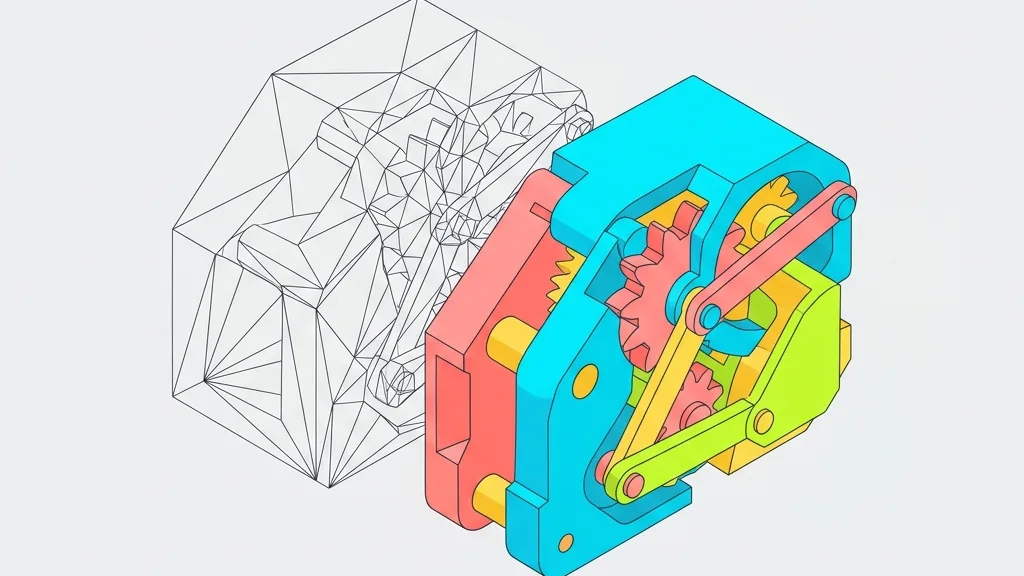
Generates solid shapes with uniform thickness from image outlines. Ideal for stamps, logos, nameplates, and other uniform-thickness objects.

Heightmap

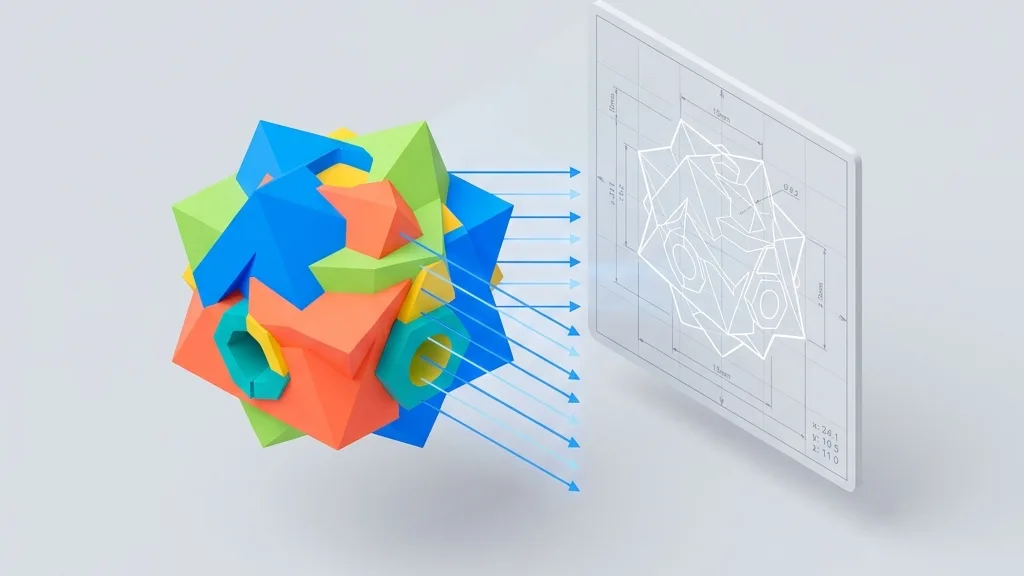
Creates a relief surface based on image brightness, so brighter areas are raised and darker areas are recessed. Perfect for photo reliefs, terrain models, and artistic surfaces.
Contour Settings

Invert

預設值关闭

Swap which parts of the image become solid and which become empty. Useful when the background is lighter than the subject.

关闭推薦
开启

Threshold

預設值128

範圍0 – 255

Controls the brightness cut-off point that determines which pixels become solid geometry. Lower values include more pixels as solid; higher values only include the darkest areas.

Depth

預設值10

範圍1 – 100

The thickness of the extruded geometry in millimeters. Controls how tall the final 3D model will be.

Bevel

預設值0.5

範圍0 – 5 · step 0.1

Adds rounded edges to the contour shape for a smoother, more polished finish. Higher values create more rounded edges.

倒角分段

預設值3

範圍1 – 8

用於建立倒角曲線的分段數。分段越多倒角越平滑,幾何複雜度也越高。

Angle Protection

預設值0.8

範圍0 – 1 · step 0.1

Preserves sharp corners and fine details by controlling the angle threshold. Lower values protect more detail; higher values smooth more aggressively.

Quality

預設值1

範圍0.1 – 2 · step 0.1

Controls the resolution of the generated mesh. Higher quality produces smoother surfaces but larger file sizes.

Heightmap Settings

Max Height

預設值5

範圍0.5 – 20 · step 0.5

The maximum height of the raised areas in millimeters. Controls the overall relief depth.

Base Thickness

預設值1

範圍0 – 5 · step 0.5

The thickness of the flat base plate beneath the relief. A thicker base provides more stability for printing.

Smooth Level

預設值2

範圍0 – 10

Applies smoothing to the heightmap surface to reduce noise and stair-stepping artifacts. Higher values produce smoother surfaces.

Resolution

預設值400

範圍100 – 400 · step 50

Controls the detail level of the generated mesh. Higher resolution preserves more image detail but increases file size.

Invert

預設值关闭

Swap the height mapping, so brighter areas become recessed and darker areas become raised.

关闭推薦
开启

格式說明

輸入格式

副檔名:
webp
全名:
WebP (Google)
類型:
Image
格式:
WebP
常用工具:
PhotoshopGIMPKritaPaint.NET
開啟方式:
Image EditorWindows PhotosPreview (Mac)
說明:
WebP 是 Google 開發的現代影像格式,同時支援有損與無損壓縮及透明通道,相同畫質下檔案體積通常比 JPEG 或 PNG 小 25-35%,是網頁效能最佳化的主流選擇。 WebP 的瀏覽器相容性已相當完善,但在老舊系統與部分專業軟體中仍可能不受支援。作為 3D 紋理或圖片轉 3D 輸入時,其表現與 PNG 相當,注意有損模式下的壓縮偽影即可。

備註:

  • 最大支援解析度:4096×4096 像素
  • 無損模式下支援透明背景

支援特性:

  • 有損與無損壓縮模式
  • 無損模式下支援 Alpha 通道透明背景
  • 比舊格式更小的檔案大小

輸出格式

副檔名:
3mf
全名:
3D Manufacturing Format
類型:
3D Model
格式:
3MF
開啟方式:
Windows 3D Viewer3MF Viewer OnlineBlender3D Model Viewer
說明:
3MF 是由 3MF 聯盟制定的現代 3D 列印格式,基於 XML 並打包為 ZIP 容器,在保留網格資料的同時支援逐部件顏色、材質、紋理與列印屬性,是多色與多材料列印的推薦格式。Bambu Studio、PrusaSlicer、OrcaSlicer 等主流切片軟體均已原生支援。 相比 STL,3MF 攜帶的資訊更豐富,但也更複雜:部分老舊切片軟體與印表機可能無法識別;從其他格式轉換時,顏色與材質對應取決於來源檔案是否包含這些資料。單純單色列印時 STL 依然夠用,涉及多色、多材料或列印參數傳遞時則應選擇 3MF。

備註:

  • 部分較舊的切片軟體與印表機可能不支援 3MF
  • 比 STL 更複雜,但承載更豐富的資訊

支援特性:

  • 支援逐零件與逐頂點顏色
  • 保留材質與紋理
  • 基於 XML 並採用 ZIP 壓縮
  • Bambu Studio、PrusaSlicer、OrcaSlicer 原生支援

使用方法

1

上傳 WebP 文件

拖放 WebP 文件或點擊瀏覽

2

選擇模式和設置

選擇等高線或高度圖模式並調整參數

3

下載 3MF

點擊轉換並立即下載 3MF 文件

Q

WebP 轉 3MF 比轉 STL 好在哪裡?

A

3MF 可以攜帶顏色,方便彩印與切片預覽;STL 只有幾何形狀。若是要把網頁彩色素材做成徽章或浮雕,優先選 3MF 效果更好。

Q

透明 WebP 的鏤空部分會怎麼處理?

A

透明區域通常不會生成幾何結構,只保留不透明主體,很適合做徽章、圖示剪影。如果是沒有透明的照片,較適合用高度圖方式做彩色浮雕。

Q

從網頁下載的 WebP 可以直接轉嗎?

A

可以,只要瀏覽器能解碼就能轉。但要注意版權與畫質:過小或強壓縮的 WebP 細節與顏色可能不足,建議先放大或重新匯出更高品質的版本。

Q

轉換後顏色會失真嗎?

A

工具會盡量保留 WebP 的色彩並寫入 3MF,但列印鏈路(設備、材料、切片軟體)仍可能造成偏差。建議先印小樣確認顏色。

Q

轉 3MF 時,有損與無損 WebP 有差別嗎?

A

有。無損 WebP 能保留精確顏色與銳利邊緣,是純色 Logo 和徽章的最佳選擇。有損 WebP 檔案較小,但可能帶入輕微顏色雜訊,寫入 3MF 後會呈現不均勻的色區;照片類素材兩者皆可。

Q

原圖是單一純色,為什麼徽章卻出現多個色階?

A

有損壓縮會引入輕微顏色偏差,轉換時相近色調會被歸類成獨立色區。想得到均勻的色區,請將來源圖匯出為單一純色填滿的無損 WebP(或 PNG)。