
- 1
What counts as a companion file
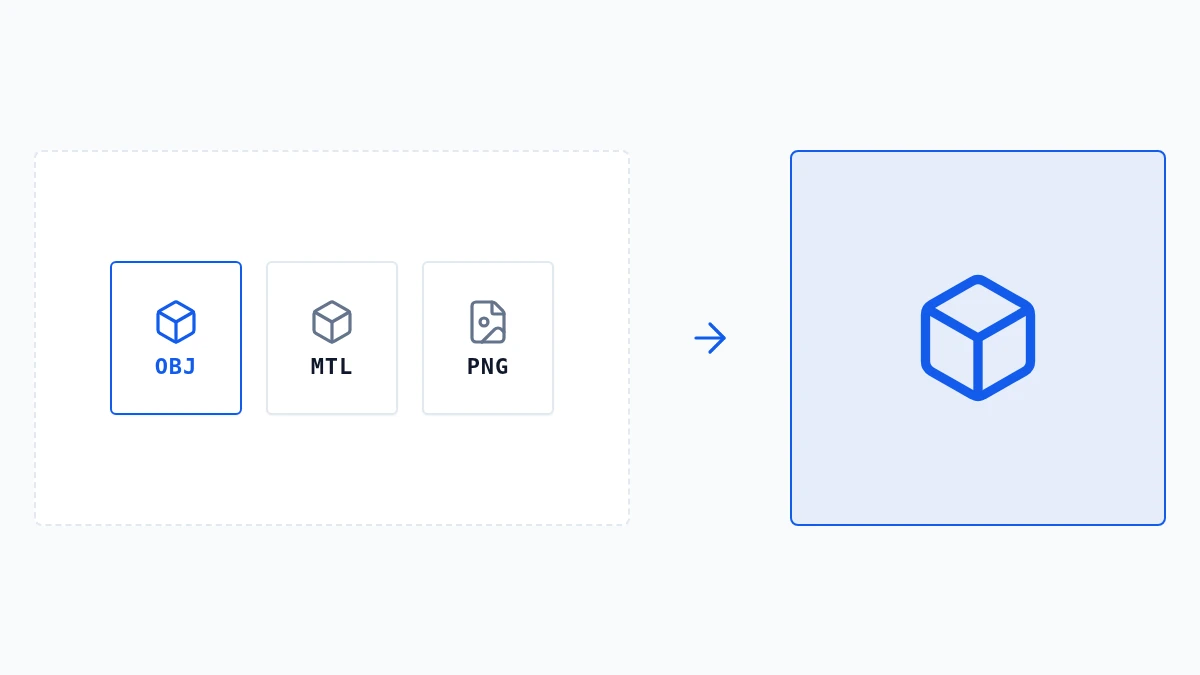
An OBJ usually comes with an MTL file and texture images, and a .gltf with a .bin file and textures. The model file lists them by name, so they need to arrive together with it.
- 2
How files are matched
Any3D reads the names listed in the model and finds files with the same name, wherever they sit in the folder you dropped. If the model lists no material file, a file with the same base name (car.obj and car.mtl) is used.
- 3
If something is missing
When a listed file is not among the ones you added, Any3D names the missing files before loading. Add them, or drop the whole folder or a ZIP of it, and try again.