
Texto
PredeterminadoAny3D.cc
El contenido de texto que se va a convertir en un modelo 3D. Se admite texto de varias líneas.
Texto 3D multicolor en 3MF: letras y base con colores separados, ideal para impresión a color en Bambu / Prusa.
Por favor, espera
Pensado para corte multimaterial: el texto y la base se exportan como piezas independientes con su color, lo que facilita crear placas de dos colores y distintivos en Bambu Studio, PrusaSlicer y OrcaSlicer.
PredeterminadoAny3D.cc
El contenido de texto que se va a convertir en un modelo 3D. Se admite texto de varias líneas.
PredeterminadoOswald (Display negrita)
La tipografía usada para generar la geometría 3D del texto. Cada fuente produce distintos grosores de trazo y formas de carácter.
Sans condensada para rótulos con trazos fuertes, ideal para títulos e impresión 3D.
Sans moderna y neutra para texto corrido legible y etiquetas de interfaz.
Serif clásica para insignias premium, placas y etiquetas de tradición.
Monoespaciada para dimensiones, SKU y anotaciones técnicas.
Sans que cubre glifos de chino simplificado, japonés y coreano.
Sans que cubre la escritura árabe con un grosor de trazo listo para imprimir.
Predeterminado30
Rango5 – 100
La anchura total de la geometría del texto en milímetros.
Predeterminado6
Rango2 – 50
La altura total de la geometría del texto en milímetros.
Predeterminado3
Rango0.5 – 20 · step 0.5
La profundidad de extrusión del texto en milímetros. Controla cuánto sobresale el texto.
Bloquea las tres dimensiones para escalar de forma proporcional y mantener la relación de aspecto.
PredeterminadoActivado
Mantiene fija la relación anchura-altura al cambiar el tamaño.
PredeterminadoVertical
Elige si el texto queda en vertical o tumbado para la impresión 3D.
El texto se eleva desde la placa de impresión. Ideal para placas de identificación y carteles.
La geometría del texto queda plana. Útil para diseños de incrustación e insignias planas.
Predeterminado0
Rango-50 – 50 · step 0.5
Mueve la geometría del texto a izquierda o derecha en el eje X.
Predeterminado0
Rango-20 – 50 · step 0.5
Mueve la geometría del texto arriba o abajo en el eje Y.
Predeterminado0
Rango-20 – 20 · step 0.5
Mueve la geometría del texto hacia delante o hacia atrás en el eje Z.
Predeterminado0.5
Rango0 – 3 · step 0.1
Controla cuánto se redondean los bordes del texto. Añade un acabado pulido, pero aumenta el número de caras.
Predeterminado3
Rango1 – 8
El número de segmentos usados para crear la curva del bisel. Más segmentos producen biseles más suaves a costa de más geometría.
Predeterminado2
Rango0.5 – 20 · step 0.5
El grosor de la placa base bajo el texto. Una base más gruesa aporta más estabilidad y mantiene las letras unidas.
Predeterminado2
Rango0 – 20 · step 0.5
Margen horizontal adicional alrededor del texto en la placa base.
Predeterminado2
Rango0 – 20 · step 0.5
Margen vertical adicional alrededor del texto en la placa base.
PredeterminadoDesactivado
Indica si se redondean los bordes de la placa base.
Predeterminado0.3
Rango0.1 – 3 · step 0.1
El radio del redondeo de las esquinas de la placa base.
Predeterminado2
Rango1 – 8
El número de segmentos de la curva del bisel de la placa base.
Predeterminado#3b82f6
El color de la geometría extruida del texto. En 3MF y GLB, este color se conserva en el archivo de salida.
Predeterminado#9ca3af
El color de la placa base. Solo se conserva en los formatos de salida 3MF y GLB.
Escribe el texto que quieres convertir en un modelo 3D. Admite varias líneas.
Elige una fuente, ajusta tamaño, profundidad de extrusión, bisel y base opcional. Los colores se previsualizan en vivo.
Descarga el modelo de un solo archivo 3MF listo para usar.
El 3MF conserva la información de color y de piezas, por lo que permite impresión bicolor. El STL solo contiene geometría monocromática, útil para impresión de un solo color.
El texto y la placa base son piezas independientes: el laminador las asigna a diferentes filamentos o genera cambios de material, logrando así la impresión bicolor.
Bambu Studio, PrusaSlicer, OrcaSlicer y Cura suelen ser compatibles. También puedes previsualizar el resultado con el visor de 3MF de la propia web.
Sí. Puedes elegir entre las fuentes integradas y ajustar el tamaño, la altura y la profundidad con los controles disponibles. Escribe el texto, selecciona la fuente y ajusta los parámetros hasta que el resultado te convenza antes de generar el modelo 3MF.
No. Todas las letras comparten un mismo color y la base tiene otro independiente, es decir, el modelo es bicolor. Si quieres colores por letra, genera cada letra como un modelo aparte y combínalas después en tu laminador.
Sí. Los colores del texto y de la base se guardan como metadatos; un laminador monocromo ignora esa asignación e imprime con un único filamento. El archivo conserva la información multicolor para usarla en el futuro.
Sí, las funciones principales de Any3D son gratuitas para siempre. Ofrecemos conversión de formatos, optimización de modelos y vista previa en línea sin coste y sin registro.
No. Los archivos que selecciona se procesan solo en su navegador en este dispositivo: no salen de su dispositivo ni se envían a nuestros servidores. No almacenamos archivos de usuarios; tras el procesamiento, los datos relacionados en la memoria del navegador se liberan.
No hace falta instalar nada. Any3D funciona íntegramente en el navegador: solo abre la página web para usar todas las funciones. Funciona en Windows, Mac, Linux y otros sistemas operativos principales.
La capacidad de procesamiento depende del rendimiento de su dispositivo y de la cantidad de vértices y la complejidad de texturas del modelo, no solo del tamaño del archivo. No imponemos ningún límite de tamaño, pero cuando un modelo supera lo que su dispositivo puede manejar, la página puede ralentizarse o incluso bloquearse.
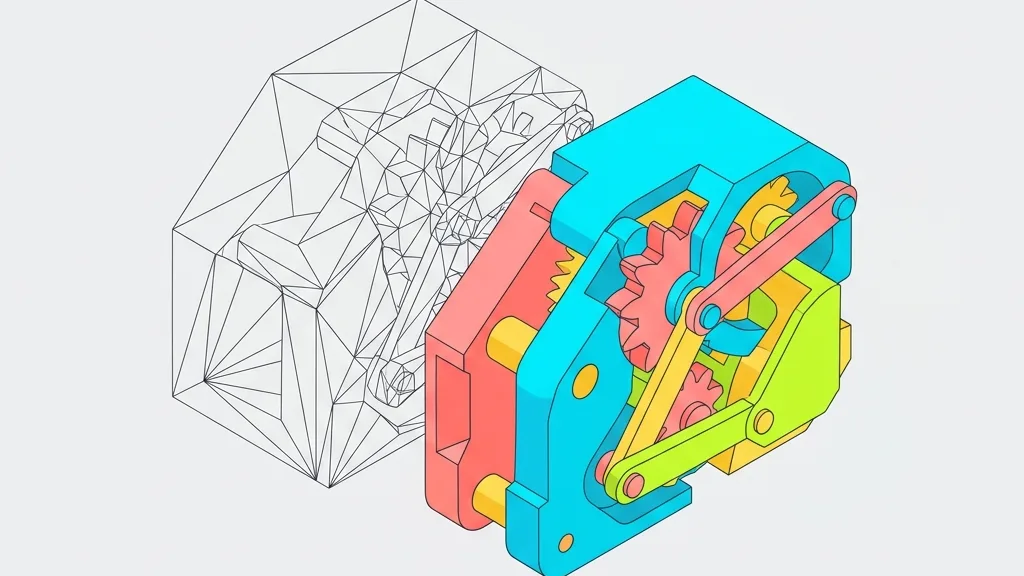
Compara 3MF y STL en el taller real: por qué fallan los modelos de Bambu Studio en Cura, cómo corregir la escala de unidades y convertir a multicolor.
Tu archivo GLB de 10 MB puede consumir 200 MB de VRAM en el móvil y colapsar. Vamos a desmenuzar el problema y a ver por qué el tamaño en disco engaña tanto.

Escritorio, móvil, VR o miniprogramas: ¿qué combinación de compresión conviene a tu proyecto? Una matriz de decisión y un script automatizado te lo dicen.
¿Por qué un JPG de 1.5 MB se convierte en 87 MB dentro de la VRAM? Te contamos por qué PNG/JPG fallan en la GPU y cómo Basis Universal + KTX2 lo resuelven.