
Text
DefaultAny3D.cc
The text content to convert into a 3D model. Multi-line text is supported.
Turn text into printable STL 3D letters, compatible with Cura, PrusaSlicer, Bambu Studio.
Please wait
Generate watertight STL solid text that opens cleanly in any slicer. The built-in base plate anchors free-standing strokes so thin parts stay in place, and bold fonts print more reliably. Ideal for nameplates, signs, and dimensional lettering.
DefaultAny3D.cc
The text content to convert into a 3D model. Multi-line text is supported.
DefaultOswald (Display Bold)
The typeface used to generate the 3D text geometry. Different fonts produce different stroke widths and character shapes.
Condensed display sans with strong strokes, good for titles and 3D printing.
Neutral modern sans for readable body text and UI-like labels.
Classic serif for premium badges, plaques, and heritage labels.
Monospace for dimensions, SKUs, and technical callouts.
Sans covering Simplified Chinese, Japanese, and Korean glyphs.
Sans covering Arabic script with print-ready stroke weight.
Default30
Range5 – 100
The overall width of the text geometry in millimeters.
Default6
Range2 – 50
The overall height of the text geometry in millimeters.
Default3
Range0.5 – 20 · step 0.5
The extrusion depth of the text in millimeters. Controls how far the text extends outward.
Lock all three dimensions to scale proportionally, preserving the aspect ratio.
DefaultOn
Keep the width-to-height ratio fixed when resizing.
DefaultUpright
Choose whether the text stands upright or lies flat for 3D printing.
Text extends upward from the build plate. Best for nameplates and signs.
Text geometry lies flat. Useful for inlay designs and flat badges.
Default0
Range-50 – 50 · step 0.5
Move the text geometry left or right on the X axis.
Default0
Range-20 – 50 · step 0.5
Move the text geometry up or down on the Y axis.
Default0
Range-20 – 20 · step 0.5
Move the text geometry forward or backward on the Z axis.
Default0.5
Range0 – 3 · step 0.1
Controls how much the edges of the text are rounded. Adds a polished look but increases face count.
Default3
Range1 – 8
The number of segments used to create the bevel curve. More segments produce smoother bevels at the cost of more geometry.
Default2
Range0.5 – 20 · step 0.5
The thickness of the base plate beneath the text. A thicker base provides more stability and keeps letters attached.
Default2
Range0 – 20 · step 0.5
Extra horizontal margin around the text on the base plate.
Default2
Range0 – 20 · step 0.5
Extra vertical margin around the text on the base plate.
DefaultOff
Whether to round the edges of the base plate.
Default0.3
Range0.1 – 3 · step 0.1
The radius of the base plate corner rounding.
Default2
Range1 – 8
The number of segments for the base plate bevel curve.
Default#3b82f6
The color of the extruded text geometry. For 3MF and GLB, this color is preserved in the output file.
Default#9ca3af
The color of the base plate. Only preserved in 3MF and GLB output formats.
Type the text you want to turn into a 3D model. Multi-line input is supported.
Choose a font, adjust size, extrusion depth, bevel and an optional base. Colors preview live.
Download your STL single-file model ready to use.
STL is the most widely supported format in slicing software. This tool exports a watertight mesh, so you can hand it straight to Cura, PrusaSlicer, or Bambu Studio without repair or conversion.
Use a bold font, enable the base plate, set a moderate bevel, and choose enough extrusion depth. These settings keep thin strokes and small letters firmly attached to the base plate, reducing the chance of peeling or breaking during printing.
Yes. The text and base plate are exported as one connected watertight mesh, with every stroke attached to the base plate. That makes the model easy to slice and print as a single object.
No. Only six bundled Latin fonts are available (Helvetiker, Gentilis, and Optimer in regular and bold). There is no system font picker and no custom font upload. Characters outside the selected font, including CJK glyphs, are skipped.
STL stores surfaces as flat triangles, so curves are approximated by segments. Letter outlines are generated with smooth curve tessellation, which looks clean at typical print sizes. The bevel segments control (1-8) sets the rounded-edge smoothness: more segments give smoother bevels but larger files.
There is no fixed minimum, but legibility depends on stroke width compared to your nozzle. With a 0.4 mm nozzle, strokes below roughly 0.8-1 mm tend to fail. Pick a bold font and keep the letter height at least a few millimeters for crisp small text.
Yes, Any3D's core features are free to use forever. We provide format conversion, model optimization, and online preview at no cost, with no registration required.
No. Files you select are processed only in your browser on this device, so they never leave your device and are never sent to our servers. We don't store any user files; after processing, related data in browser memory is released.
No installation required. Any3D is entirely browser-based; just open the webpage to use all features. It works on Windows, Mac, Linux, and other major operating systems.
The processing capacity depends on your device performance and the model's vertex count and texture complexity, rather than file size alone. We impose no file size limit, but when a model exceeds what your device can handle, the page may lag or even crash.
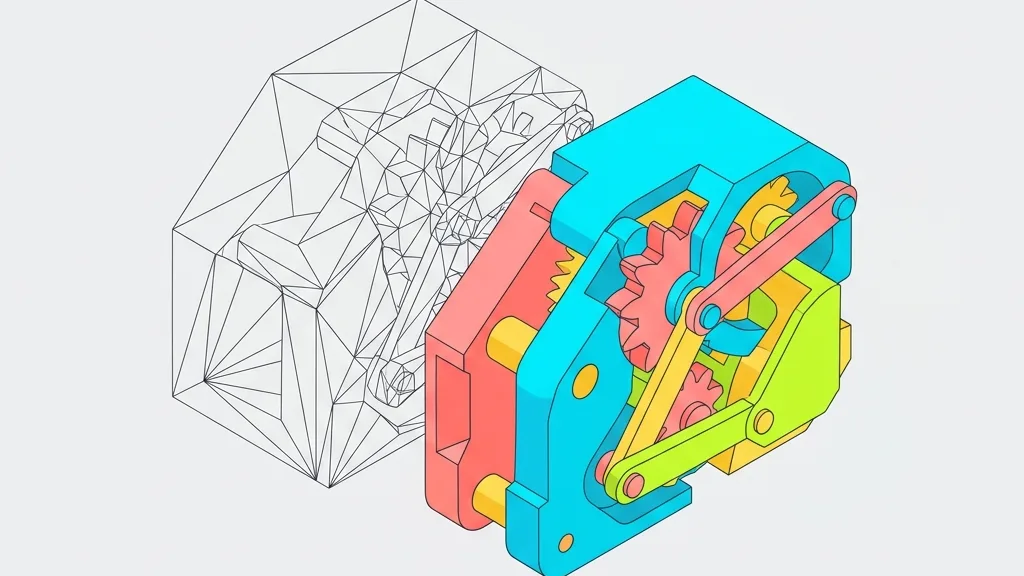
A deep-dive comparison of 3MF and STL in real workflows. Uncover why Bambu Studio models crash in Cura, and master unit scaling and multi-color conversion tricks.
Your GLB file is only 10MB, but on your phone it eats 200MB of VRAM and crashes. Let's take a closer look at what's really going on.
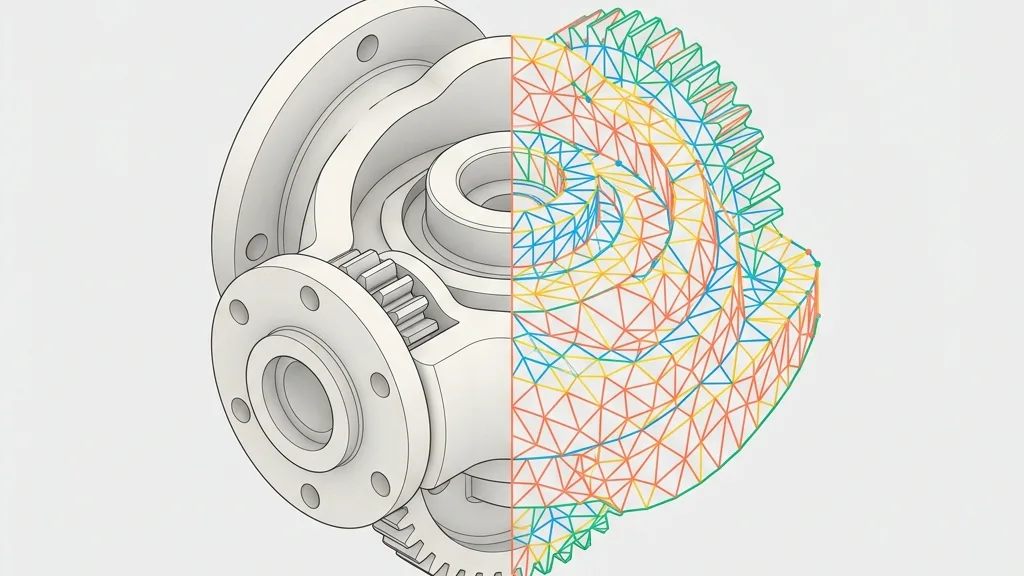
Demystifying conversion of CAD solids (B-Rep) into STL polygon meshes and back: practical slider settings for SolidWorks, plus fallbacks when reverse engineering fails.

How many bytes does vertex data actually take? Quantization, MeshOpt, and Draco - which tool fits which scenario? It's not about 'Draco is best,' but 'the right tool for the right job.'