WebP to 3MF Converter

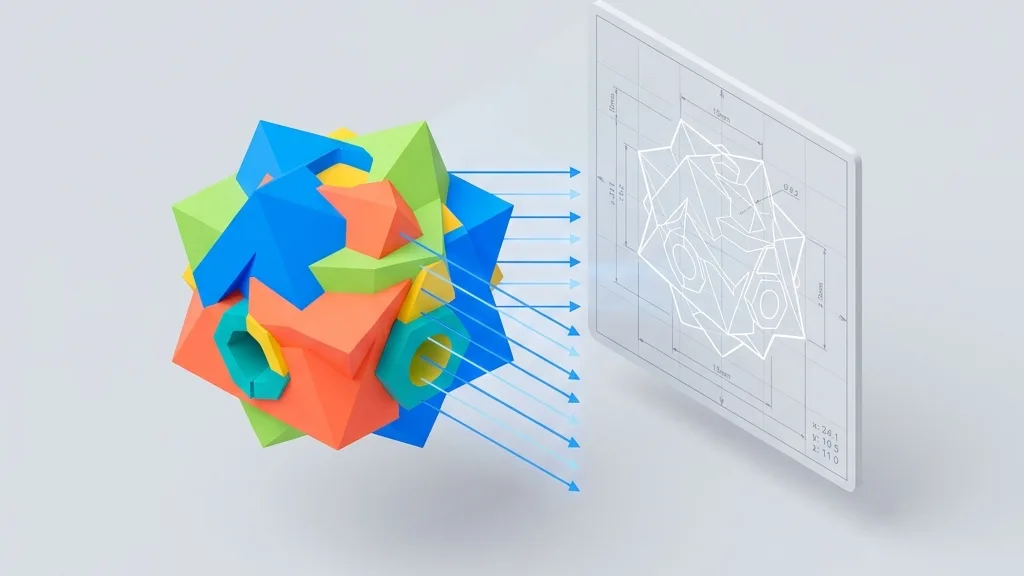
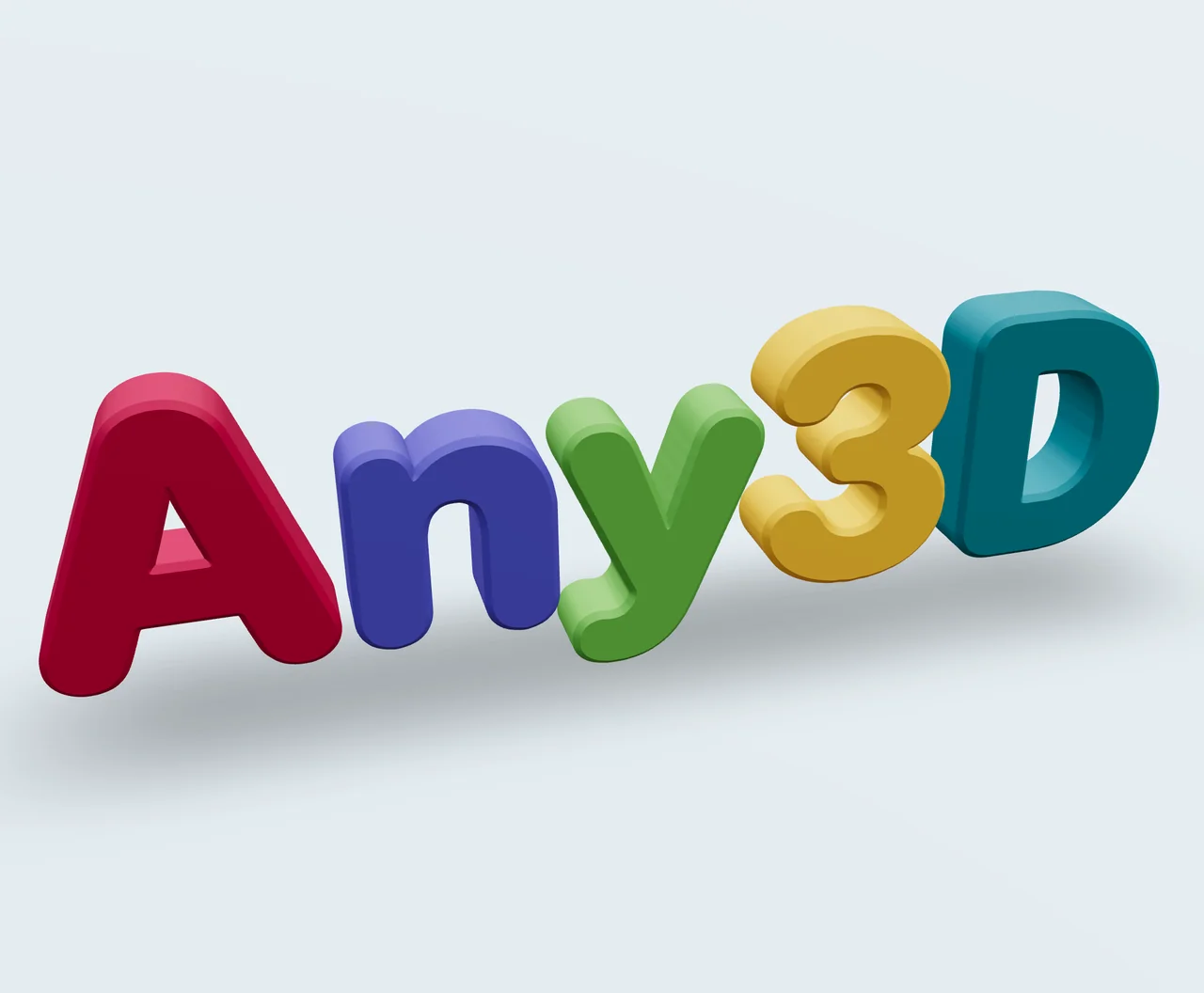
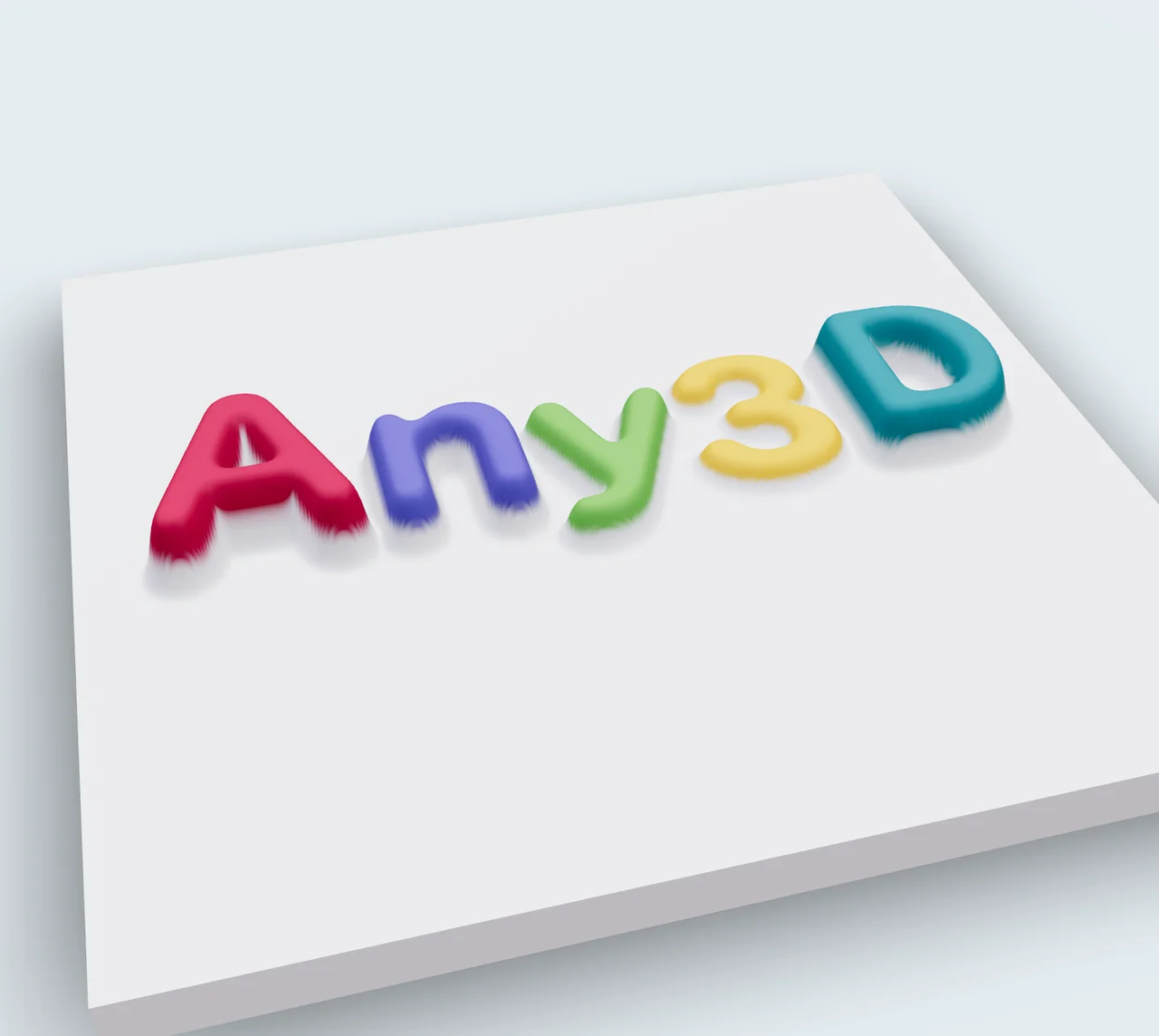
Transform WebP images into 3D printable 3MF models with intelligent conversion. Contour mode is perfect for creating stamps, logos, and solid shapes, while heightmap mode excels at producing reliefs, terrain maps, and artistic surfaces.

Loading...

Please wait

About This Tool

Convert WebP to high-quality 3MF 3D model files, optimized for 3D printing. Two professional conversion modes are available: contour mode generates precise solid shapes from image outlines, ideal for stamps and nameplates; heightmap mode creates relief effects based on brightness variations, perfect for artistic reliefs and terrain models.

Tips

  • 1Maximum image size: 4096×4096 pixels
  • 2Contour and heightmap modes available
  • 3Real-time 3D preview with parameter adjustment

About Configuration Options

Conversion Mode

Conversion Mode

DefaultContour

Select how the image should be converted into 3D geometry.

ContourRecommended

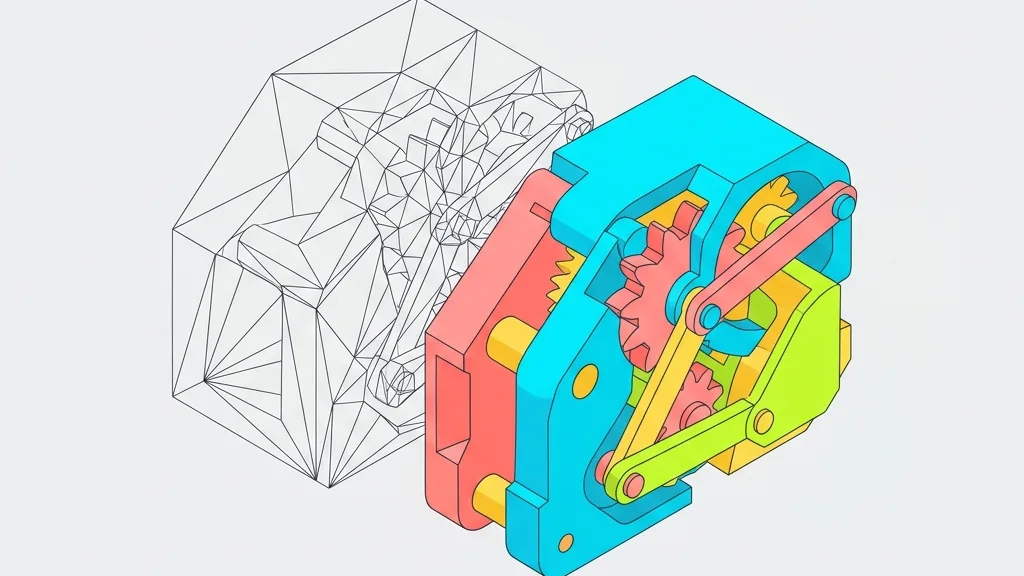
Generates solid shapes with uniform thickness from image outlines. Ideal for stamps, logos, nameplates, and other uniform-thickness objects.

Heightmap

Creates a relief surface based on image brightness — brighter areas are raised, darker areas are recessed. Perfect for photo reliefs, terrain models, and artistic surfaces.
Contour Settings

Invert

DefaultOff

Swap which parts of the image become solid and which become empty. Useful when the background is lighter than the subject.

OffRecommended
On

Threshold

Default128

Range0 – 255

Controls the brightness cut-off point that determines which pixels become solid geometry. Lower values include more pixels as solid; higher values only include the darkest areas.

Depth

Default10

Range1 – 100

The thickness of the extruded geometry in millimeters. Controls how tall the final 3D model will be.

Bevel

Default0.5

Range0 – 2 · step 0.1

Adds rounded edges to the contour shape for a smoother, more polished finish. Higher values create more rounded edges.

Angle Protection

Default0.8

Range0 – 1 · step 0.1

Preserves sharp corners and fine details by controlling the angle threshold. Lower values protect more detail; higher values smooth more aggressively.

Quality

Default1

Range0.1 – 2 · step 0.1

Controls the resolution of the generated mesh. Higher quality produces smoother surfaces but larger file sizes.

Heightmap Settings

Max Height

Default5

Range0.5 – 20 · step 0.5

The maximum height of the raised areas in millimeters. Controls the overall relief depth.

Base Thickness

Default1

Range0 – 5 · step 0.5

The thickness of the flat base plate beneath the relief. A thicker base provides more stability for printing.

Smooth Level

Default2

Range0 – 10

Applies smoothing to the heightmap surface to reduce noise and stair-stepping artifacts. Higher values produce smoother surfaces.

Resolution

Default400

Range100 – 400 · step 50

Controls the detail level of the generated mesh. Higher resolution preserves more image detail but increases file size.

Invert

DefaultOff

Swap the height mapping — brighter areas become recessed and darker areas become raised.

OffRecommended
On

Format Information

Input format

Extension:
webp
Full Name:
WebP (Google)
Type:
Image
Format:
WebP
Open With:
Image EditorWindows PhotosPreview (Mac)
Description:
WebP is Google's modern image format with lossy/lossless compression and transparency. It yields smaller files than JPEG or PNG with comparable quality.

Notes:

  • Maximum supported resolution: 4096×4096 pixels
  • Transparent backgrounds are supported in lossless mode

Supported Features:

  • Lossy and lossless compression modes
  • Alpha channel transparency in lossless mode
  • Smaller file sizes than legacy formats

Output format

Extension:
3mf
Full Name:
3D Manufacturing Format
Type:
3D Model
Format:
3MF
Open With:
Windows 3D Viewer3MF Viewer OnlineBlender3D Model Viewer
Description:
3MF is a modern 3D print format supporting color, materials, and print properties in a compressed package. Ideal for multi-color and multi-material prints.

Notes:

  • Some older slicers and printers may not support 3MF
  • More complex than STL but carries richer information

Supported Features:

  • Per-part and per-vertex color support
  • Material and texture preservation
  • XML-based with ZIP compression
  • Native support in Bambu Studio, PrusaSlicer, OrcaSlicer

How to Use

1

Upload Your WebP

Drag and drop your WebP file or click to browse

2

Choose Mode & Settings

Select contour or heightmap mode and adjust parameters

3

Download 3MF

Click convert and download your 3MF file instantly

Frequently Asked Questions

About this tool

Q

What's the difference between contour and heightmap mode?

A

Contour mode generates solid shapes with uniform thickness from image outlines, featuring clean edges, ideal for stamps, logos, and nameplates. Heightmap mode creates gradient relief surfaces based on image brightness variations, preserving detail layers, perfect for artistic reliefs, photo reliefs, and terrain models.

Q

What are the image size limits?

A

Images up to 4096×4096 pixels are supported. Larger images will be automatically scaled to ensure optimal conversion quality and performance.

Q

What image formats are supported?

A

This tool supports SVG, PNG, JPG, JPEG, and WebP formats. Each format has its dedicated conversion page.

Q

What kind of images work best?

A

High contrast images with clear outlines produce the best results. For contour mode, use images with distinct black and white areas; for heightmap mode, use grayscale images with rich brightness variations. PNG format supports transparent backgrounds for more precise conversions.

Q

Can the converted models be used directly for 3D printing?

A

Yes! The generated 3MF files are optimized for 3D printing. We recommend checking the model with slicing software before printing and adjusting print parameters (such as layer height and infill density) as needed for optimal results.

Q

Can I adjust the model size and proportions?

A

Absolutely! In the conversion settings, you can freely adjust physical dimensions (in millimeters), height, base thickness, and other parameters. Heightmap mode also supports adjusting smooth levels and resolution, giving you complete control over the final model appearance.

Q

Do the exported models support colors?

A

Yes. When exported in 3MF format, the model retains color information, enabling multi-color printing in 3MF-compatible 3D printing software. Note that STL format does not support color information.

Q

Are transparent PNG images supported?

A

Yes. The tool automatically detects transparent areas in PNG images. Transparent regions are correctly handled during conversion, ensuring accurate 3D model outlines.

General questions

Q

Is Any3D completely free?

A

Yes, Any3D's core features are free to use forever. We provide format conversion, model optimization, and online preview at no cost, with no registration required.

Q

Are my files uploaded to your servers?

A

No. Files you select are processed only in your browser on this device—they never leave your device and are never sent to our servers. We don't store any user files; after processing, related data in browser memory is released.

Q

Do I need to install software?

A

No installation required. Any3D is entirely browser-based—just open the webpage to use all features. It works on Windows, Mac, Linux, and other major operating systems.

Q

Is there a file size limit?

A

The processing capacity depends on your device performance and the model's vertex count and texture complexity, rather than file size alone. We impose no file size limit, but when a model exceeds what your device can handle, the page may lag or even crash.

Support Us