
Output Dimensions
Set the output width and height. Square presets (e.g. 1024×1024) suit texture workflows; use custom with optional aspect-ratio lock to keep source proportions. Format-conversion pages default to the source size.
JPG/JPEG → WebP: smaller files for web pages, previews, and lightweight 3D asset delivery.
Please wait
Convert JPG/JPEG to WebP for smaller file sizes and faster loading on websites and browser-based 3D previews. Adjust the quality slider to balance compression and image quality. All processing is done locally in your browser.
Set the output width and height. Square presets (e.g. 1024×1024) suit texture workflows; use custom with optional aspect-ratio lock to keep source proportions. Format-conversion pages default to the source size.
Defaulton
When enabled in custom size mode, changing width or height automatically scales the other side to match the source image proportions. Disable to set width and height independently.
Default90%
Range10% – 100% · step 5%
Lossy compression quality for JPEG and WebP. Higher values yield better quality but larger files.
Drop a PNG, JPEG, WebP, BMP, or KTX2 texture/image file. KTX2 inputs are automatically decoded to PNG for conversion.
Choose output format when available (PNG, JPEG, WebP, KTX2), set texture dimensions, and adjust quality. For KTX2, pick ETC1S or UASTC.
Click Convert to process the image or texture. The file downloads automatically in your chosen format, ready for web, design, or 3D pipelines.
WebP's compression efficiency beats JPEG, producing smaller files at the same visual quality. This speeds up page loads and reduces bandwidth for web content and online 3D previews.
WebP's lossy compression is comparable to JPEG. At similar quality settings, WebP files are typically 25-35% smaller than JPEG, so you can often maintain the same perceived quality with a smaller file.
Basic metadata is preserved during conversion, but some advanced EXIF fields may not be carried over. If you need to keep the full EXIF information, retain the original JPG file.
Often yes for web delivery. Confirm that your engine or viewer supports WebP; desktop DCC tools and some game pipelines may still prefer JPG or PNG for compatibility.
Yes, you can use the quality slider to control the output. Higher values (e.g., 90) preserve more detail but produce larger files, while lower values increase compression for smaller sizes. Adjust according to your balance between quality and file size.
Yes. Both formats use lossy compression, so every round trip discards a little more detail. Keep a lossless master for editing and use this converter only for the final delivery copies.
Why does a 1.5MB JPG balloon to 87MB in VRAM? What's so wrong with PNG/JPG from a GPU's perspective? And how do GPU-native texture formats, Basis Universal, and KTX2 all fit together?
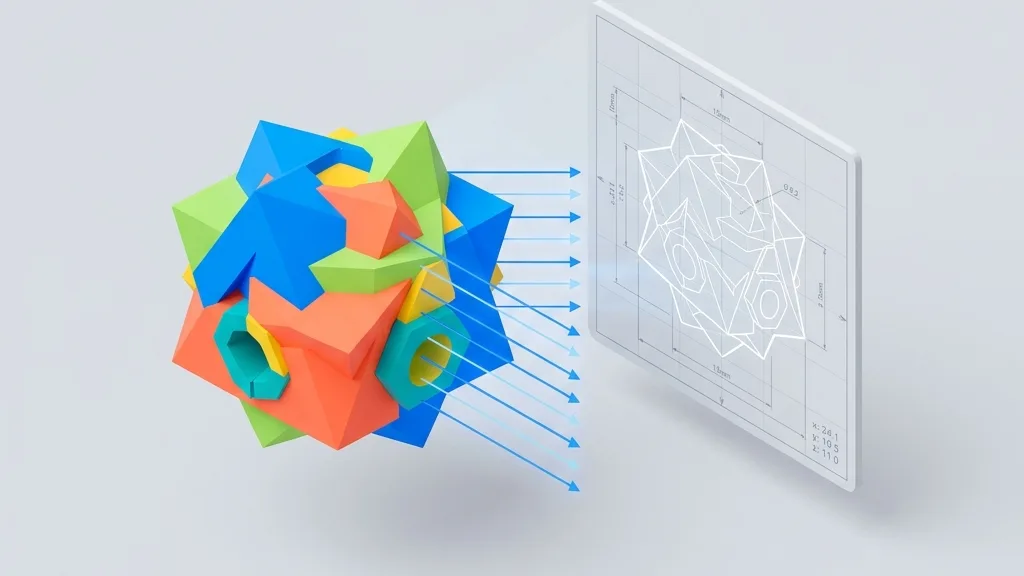
Ditch heavy CAD software for good. Learn how to export STL/STEP files as high-res 2D screenshots with dimension lines and transparent backgrounds directly in your browser—essential for e-commerce product shots and engineering drawings.

Desktop, mobile, VR, mini-programs—which compression combination should you use? This article consolidates the knowledge from the previous four articles into a decision matrix and an automation script—just follow it.
Your GLB file is only 10MB, but on your phone it eats 200MB of VRAM and crashes. Let's take a closer look at what's really going on.