
Output Dimensions
Set the output width and height. Square presets (e.g. 1024×1024) suit texture workflows; use custom with optional aspect-ratio lock to keep source proportions. Format-conversion pages default to the source size.
JPG/JPEG → PNG: lossless storage for editing, compositing, and 3D texture work.
Please wait
Convert JPG/JPEG to PNG when you need lossless storage and dependable compatibility across design apps and 3D pipelines. It stabilizes pixel data before further edits or before packing material maps. The source JPG has no alpha channel, so the output is fully opaque. Everything runs locally in your browser.
Set the output width and height. Square presets (e.g. 1024×1024) suit texture workflows; use custom with optional aspect-ratio lock to keep source proportions. Format-conversion pages default to the source size.
Defaulton
When enabled in custom size mode, changing width or height automatically scales the other side to match the source image proportions. Disable to set width and height independently.
Drop a PNG, JPEG, WebP, BMP, or KTX2 texture/image file. KTX2 inputs are automatically decoded to PNG for conversion.
Choose output format when available (PNG, JPEG, WebP, KTX2), set texture dimensions, and adjust quality. For KTX2, pick ETC1S or UASTC.
Click Convert to process the image or texture. The file downloads automatically in your chosen format, ready for web, design, or 3D pipelines.
PNG uses lossless compression, which suits archiving, graphics with text, and any workflow that needs pixel-accurate data. Note that compression artifacts already present in the JPG stay embedded in the pixels.
No. JPG files often carry EXIF data such as camera settings, date, and orientation, but this tool re-encodes the pixels in your browser, so EXIF metadata is not carried over to the PNG.
PNG is lossless, so the conversion does not degrade anything: the softness comes from the JPG's lossy compression, which is already baked into the pixels. For the crispest result, export from the original source file rather than converting from a compressed JPG.
No. JPG does not support an alpha channel, so the source has no transparency to preserve. The output PNG will be fully opaque.
It avoids additional loss from re-saving as JPG, but it cannot remove artifacts already baked into the source JPG. For high-quality material maps, the best practice is to author in PNG or WebP from the start.
PNG is a lossless format, so no data is discarded and there is nothing to adjust: the output size depends entirely on the image content. A quality slider only appears for lossy target formats like JPG and WebP.
Why does a 1.5MB JPG balloon to 87MB in VRAM? What's so wrong with PNG/JPG from a GPU's perspective? And how do GPU-native texture formats, Basis Universal, and KTX2 all fit together?
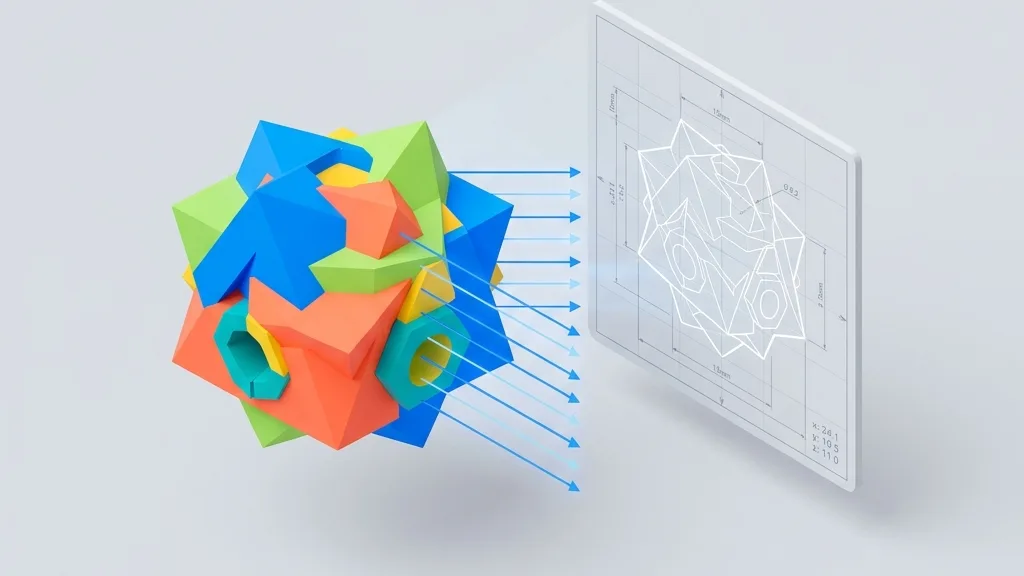
Ditch heavy CAD software for good. Learn how to export STL/STEP files as high-res 2D screenshots with dimension lines and transparent backgrounds directly in your browser—essential for e-commerce product shots and engineering drawings.

Desktop, mobile, VR, mini-programs—which compression combination should you use? This article consolidates the knowledge from the previous four articles into a decision matrix and an automation script—just follow it.
Your GLB file is only 10MB, but on your phone it eats 200MB of VRAM and crashes. Let's take a closer look at what's really going on.