
In your browser,
Convert, optimize, and view your 3D models directly in your browser. No installation required.
Image to 3D Model
Convert 2D images to 3D model files3D Model Format Conversion
Convert between different 3D formats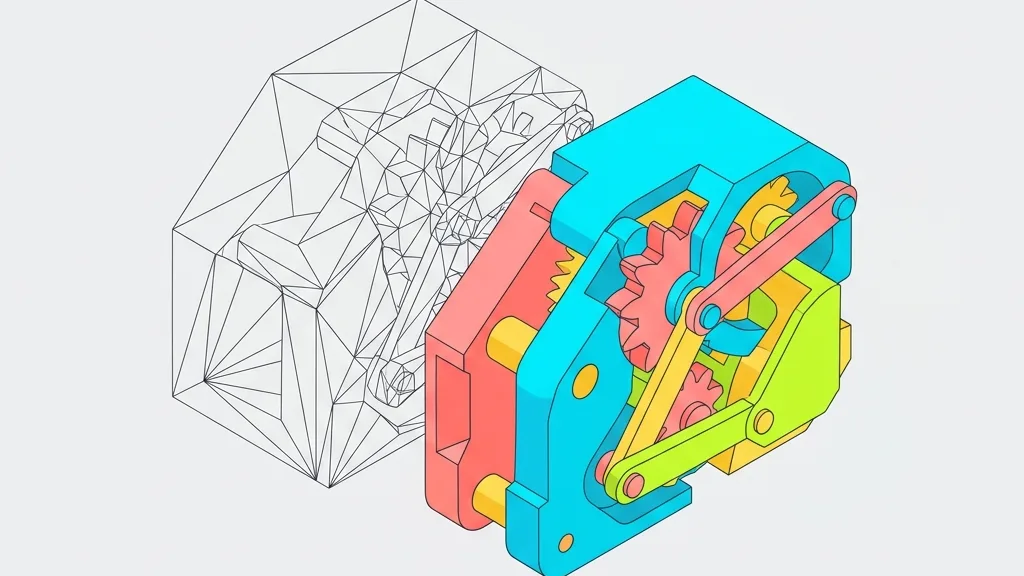
3MF vs STL: Avoid These 3D Printing Pitfalls
A deep-dive comparison of 3MF and STL in real workflows. Uncover why Bambu Studio models crash in Cura, and master unit scaling and multi-color conversion tricks.
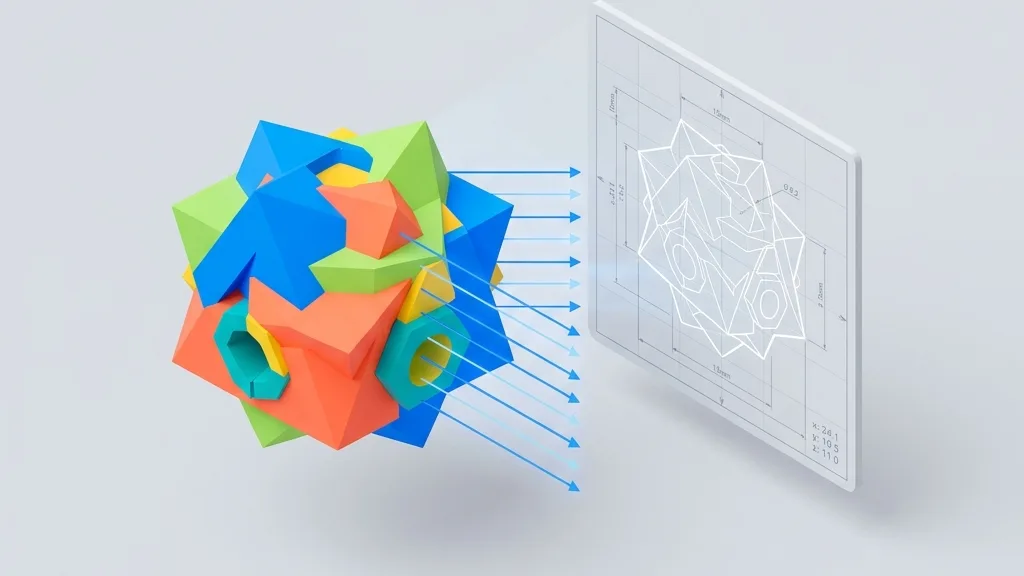
Stop Screenshotting 3D Models in Blender: Browser Renders
Ditch heavy CAD software: export STL and STEP models as high-res 2D screenshots with dimension lines and transparent backgrounds, right inside your browser.
CAD Drawing Conversion
Convert DWG and DXF drawings between versions or to SVGText to 3D Model
Generate 3D models from text and other inputsLocal and private
Selected files are processed only in your browser on this device, not sent to our servers.
No install
Use it in the browser, same workflow on Windows, macOS, and Linux.
Free core tools
Conversion, optimization, and preview are available without a paywall.
3D Model to Image
Render 3D models to multi-view screenshots with grid, scale bar and watermarkGeneral 3D Model Viewers
View 3D models online in your browser
3D Gaussian Splatting (3DGS): Pitfalls and Mesh Conversion
Don't fall for the AI rendering hype. See the real strengths and hard limits of 3DGS, the PLY/SPLAT browser bottlenecks, and the truth about splat-to-mesh conversion.
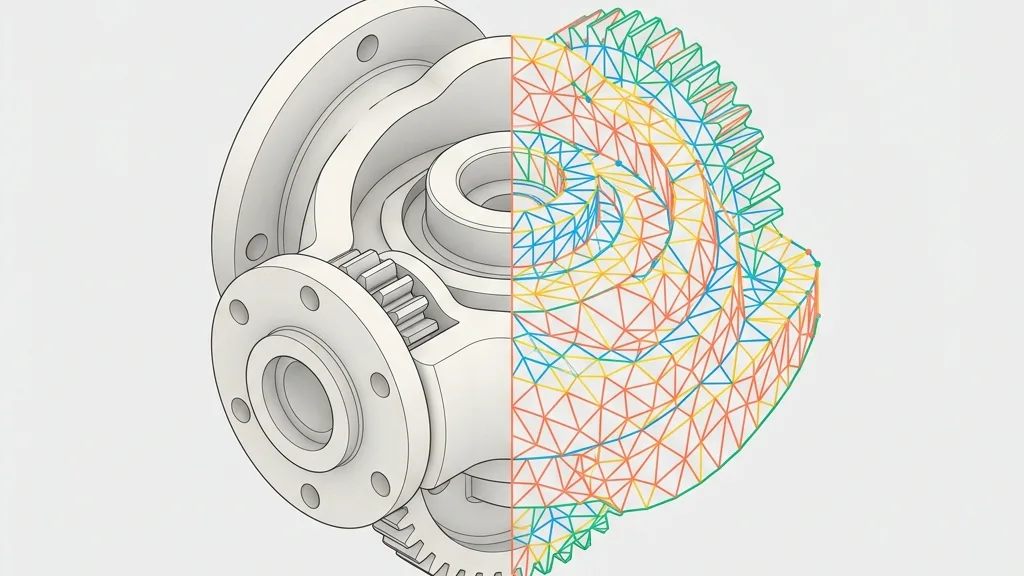
STEP to STL Conversion: Pitfalls and Reverse Engineering
Demystifying conversion of CAD solids (B-Rep) into STL polygon meshes and back: practical slider settings for SolidWorks, plus fallbacks when reverse engineering fails.
CAD & BIM Viewers
Inspect STEP, IGES, IFC and 3DM engineering and building models2D Drawing Viewers
Open DWG and DXF drawings online with layers and measurementPoint Cloud & Splat Viewers
Inspect point clouds, Gaussian splats and scientific data
createImageBitmap Unavailable? Platform & Environment Fixes
When Any3D reports createImageBitmap not supported, check desktop/mobile platforms, HTTPS, enterprise policies, and WebView restrictions to restore the Worker image processing path.

OffscreenCanvas Unavailable? Fix It by Platform
When Any3D reports OffscreenCanvas is not supported, check Windows/macOS/mobile, hardware acceleration, VPNs, intranets, and enterprise WebView restrictions.